
THE QBANKIO STUDY WORKFLOW
From practice to
your next step.
Choose a focus, work through questions and use your results to plan what comes next. Here is how the tools in QBankio fit into a study session.
1. Choose a focus for the session
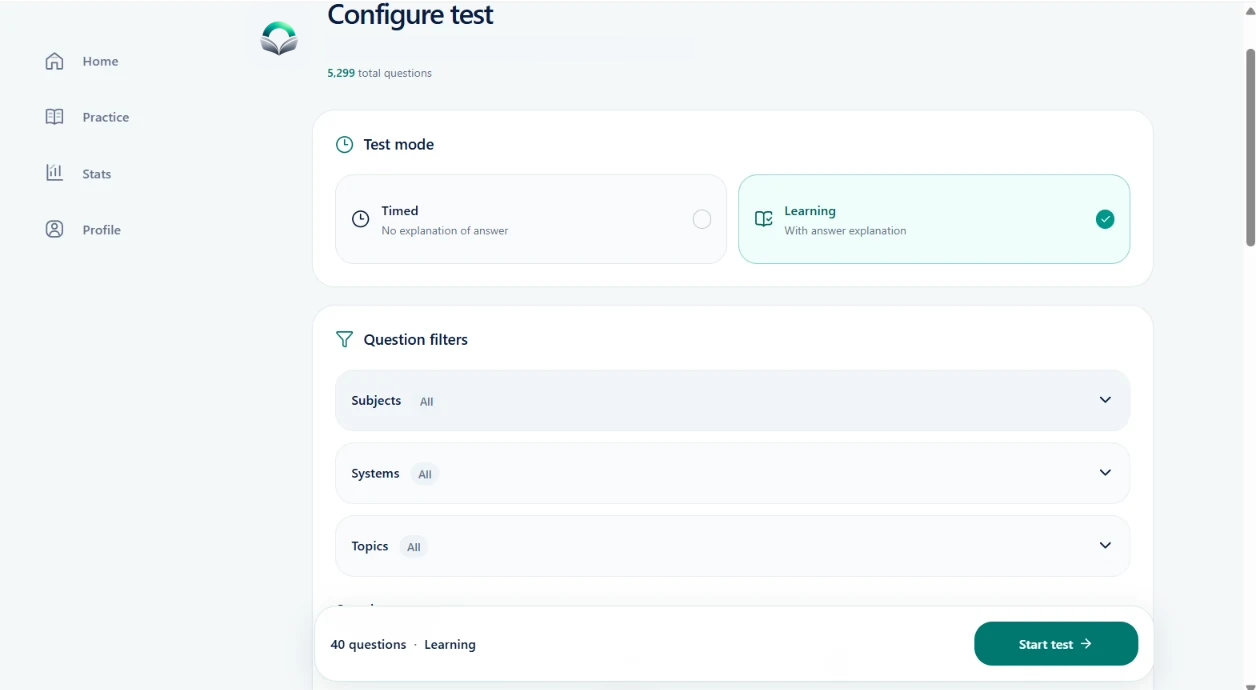
QBankio offers medical question banks for USMLE, AMC, PLAB, MRCP and MRCS. Open your question bank and use the subject, system or topic filters to choose what you want to practise.
Give the session a specific purpose. You might revisit a subject you recently studied or work on an area you noticed in a previous test result. Keep that purpose in mind when you review the answers.
2. Choose timed or learning mode
Use timed mode when you want to practise working within a time limit. Choose learning mode when you want to work through questions with explanations as part of the session.
These modes support different activities. For a topic you are still exploring, leave room to read the reasoning. For a timing session, pay attention to where you spend your time as well as which answers you choose.
3. Review the reasoning behind your answers
After answering, read the clinical explanation and compare it with your own reasoning. A correct answer can still be worth reviewing if you were unsure why you chose it. Use the question navigator to return to questions that need another look.
Ask yourself what made the choice difficult: the underlying concept, a detail in the question, or the reasoning between the options. That gives your next review a clearer purpose than a score alone.
4. Keep useful details in view
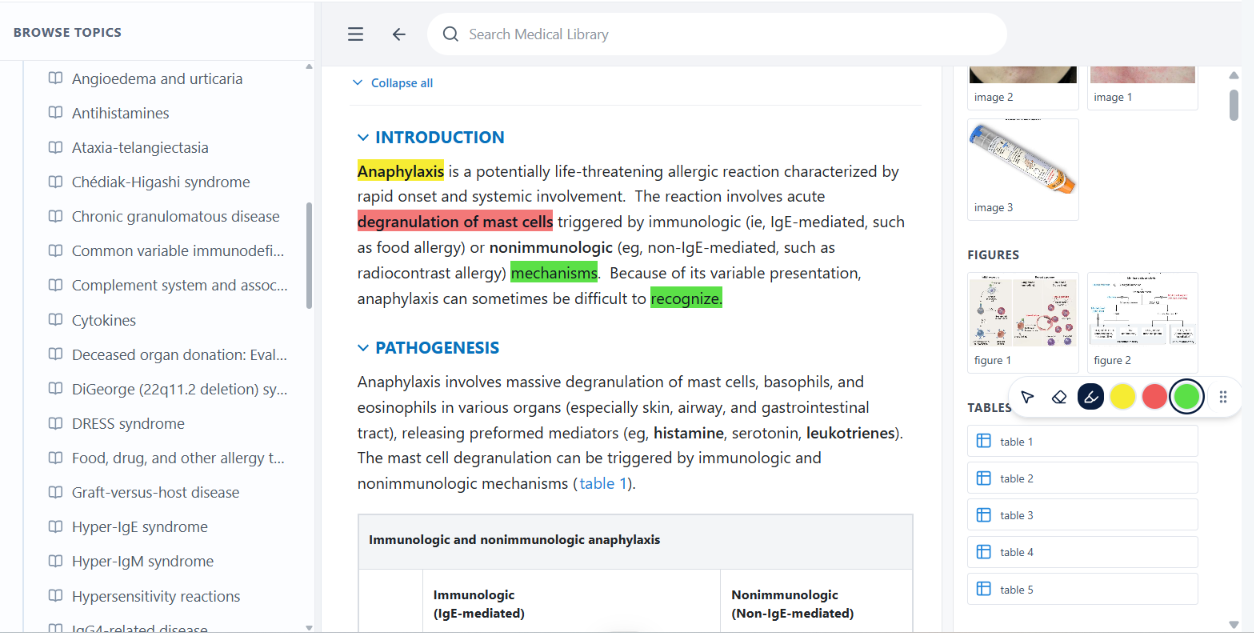
Open the medical library to browse topics, explanations, figures and tables. Use highlighting to draw attention to the details you want to revisit. On iPad, QBankio supports highlighting with Apple Pencil in the web app.
Keep highlights selective so you can recognise the important points when you return. Use the library alongside question practice to explore the concept behind an explanation.
5. Use your results to choose what comes next
Review your test results and performance breakdown in Stats. Look for areas that need another session, then use those topics to set up your next practice test.
Keep the context of each result in mind: the topics you selected, the mode you used and how you approached the questions. A practice result is feedback on that session, rather than a prediction of an exam outcome.